Image-to-video AI với Seedance và Kling: biến ảnh thành clip
Nhiều người đang tìm cách áp dụng chủ đề liên quan tới “Image-to-video AI với Seedance và Kling: biến ảnh thành clip” một cách thực tế, không phụ thuộc slogan phóng đại. Bài viết nêu bối cảnh thường gặp, các bước làm được ngay và giới hạn cần biết — để bạn tự đo kết quả trên kênh hoặc gian hàng của mình.
Phần dưới giữ các gợi ý thao tác hữu ích. Mọi con số chỉ mang tính tham khảo và có thể thay đổi theo thời điểm, ngành hàng và khu vực.
The Fundamental Rule: Input Quality = Output Quality
Trước mọi tip và trick: Ảnh đầu vào phải chất lượng cao.
Mờ vào, mờ ra. Xấu vào, xấu ra.
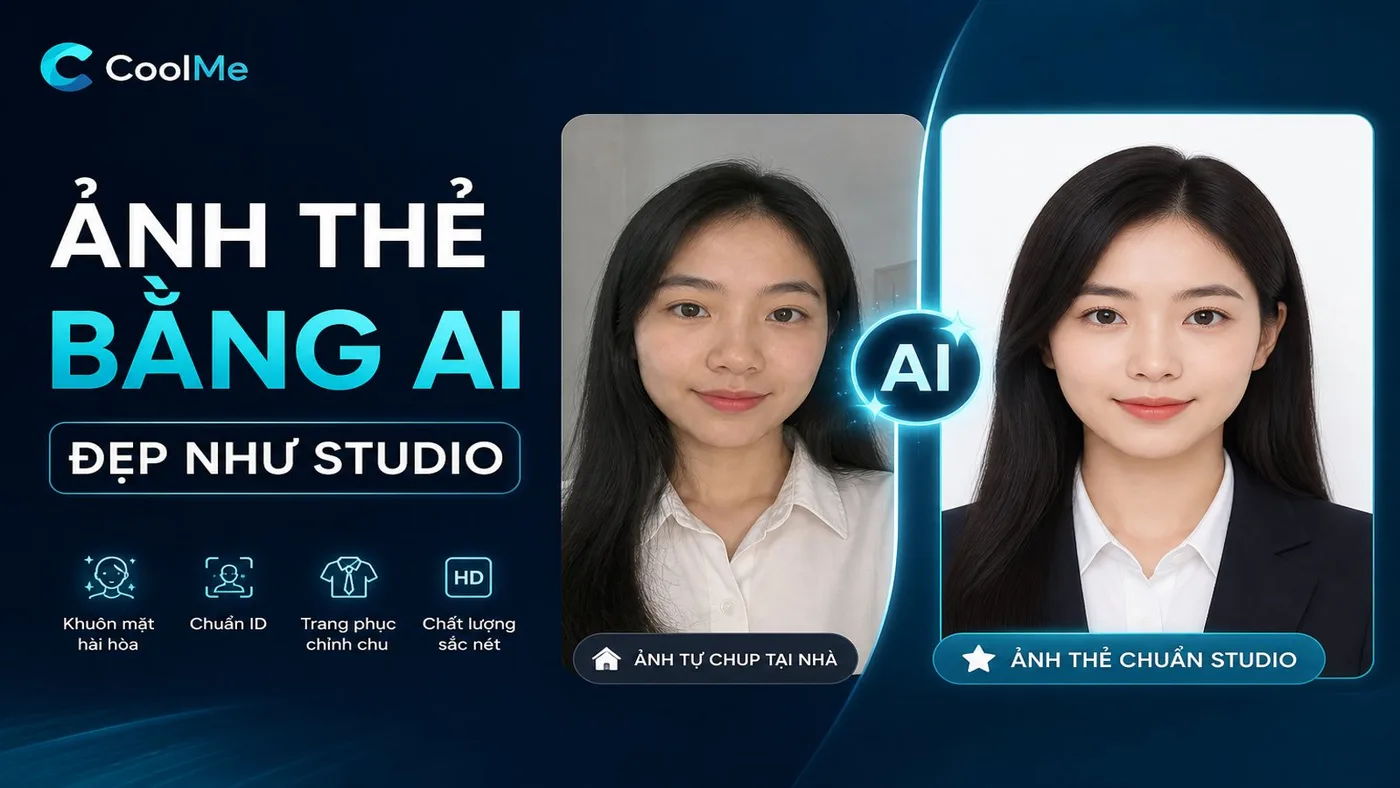
Giải pháp: Dùng CoolMe AI để create hoặc enhance input images trước khi cho vào Seedance/Kling.
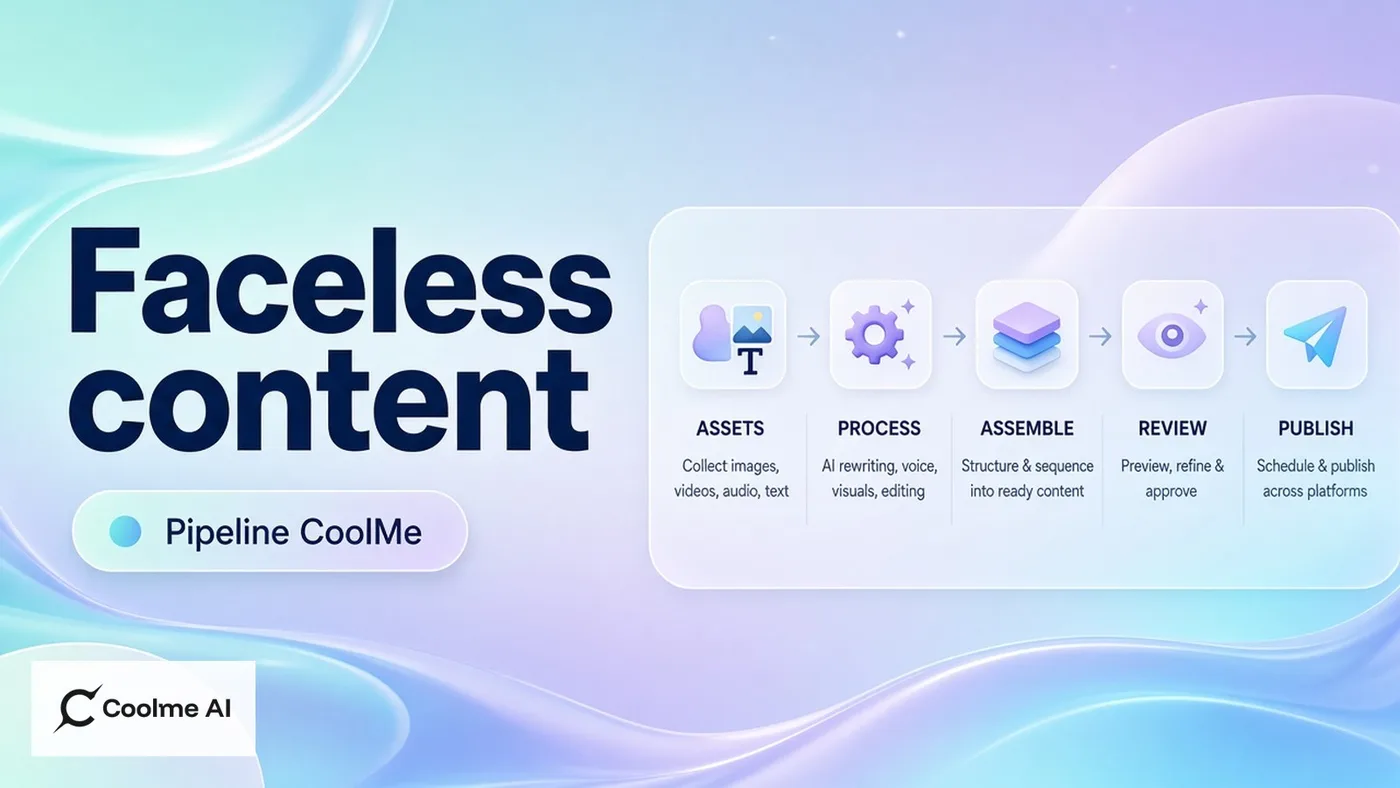
CoolMe AI → Seedance/Kling là pipeline đã được prove là cho kết quả tốt nhất.
For Seedance 2.0: Winning Prompt Formulas
Product showcase:
`[Tên sản phẩm], slow cinematic zoom in, [ánh sáng],
premium feel, subtle particle effect, 8 seconds
`
Landscape/scene:
`[Mô tả scene], gentle camera pan [direction],
soft wind effect on [elements], golden hour lighting, 10 seconds
`
Portrait animation:
`[Mô tả người], subtle breathing animation,
[expression] expression, soft bokeh background, 6 seconds
`
For Kling 3.0: Winning Prompt Formulas
Dancing:
`[Character description] dancing to [style of music],
full body, energetic movement, bright background, 10 seconds
`
Walking/movement:
`[Character] walking confidently through [location],
[outfit], natural movement, [lighting condition]
`
Lip sync (with audio upload):
`[Character] speaking [language], natural facial expressions,
eye contact with camera, professional setting
`
Common Mistakes And Fixes
Mistake 1: Too vague prompt ❌ "Make her dance" ✅ "Young woman in red dress doing contemporary dance, arms extended, fluid movement, studio lighting, 8 seconds"
Mistake 2: Wrong tool for use case ❌ Using Kling for product showcase ✅ Seedance for products, Kling for people/characters
Mistake 3: Low-res input ❌ 512×512 pixel selfie photo ✅ 1024×1024+ image from CoolMe AI
Post-Processing For Maximum Virality
After generating video:
Add trending sound (TikTok Creative Center)
Add text hook in first 3 frames
Color grade for consistent aesthetic
Trim to optimal length (6–15s for TikTok, 8–20s for Reels)
👉 Create your input images for image-to-video: ai.coolme.vn
Bài viết liên quan: Seedance Cinematic | Kling Dancing Video | AI Video Pipeline 2026